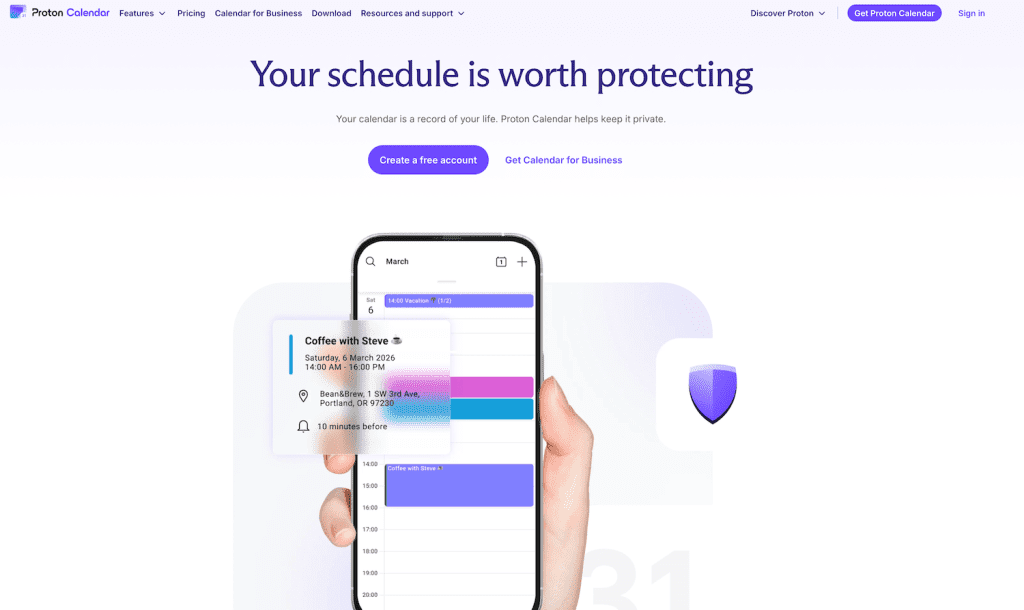
After spending considerable time with Proton Calendar across multiple platforms, I’m impressed with what the privacy-focused company has achieved. While there are some platform-specific limitations to be aware of, Proton Calendar delivers a robust, encrypted calendar experience that respects your privacy without compromising on core functionality.
⚡ PROTON PROMO - €1 FIRST MONTH
Try Proton Mail Plus for just €1 for your first month, or get 40% off the annual plan. Need VPN & Pass too? Check out Proton Unlimited for the best value.
Go to Proton Mail PlusFirst Impressions: Clean Interface, Solid Features
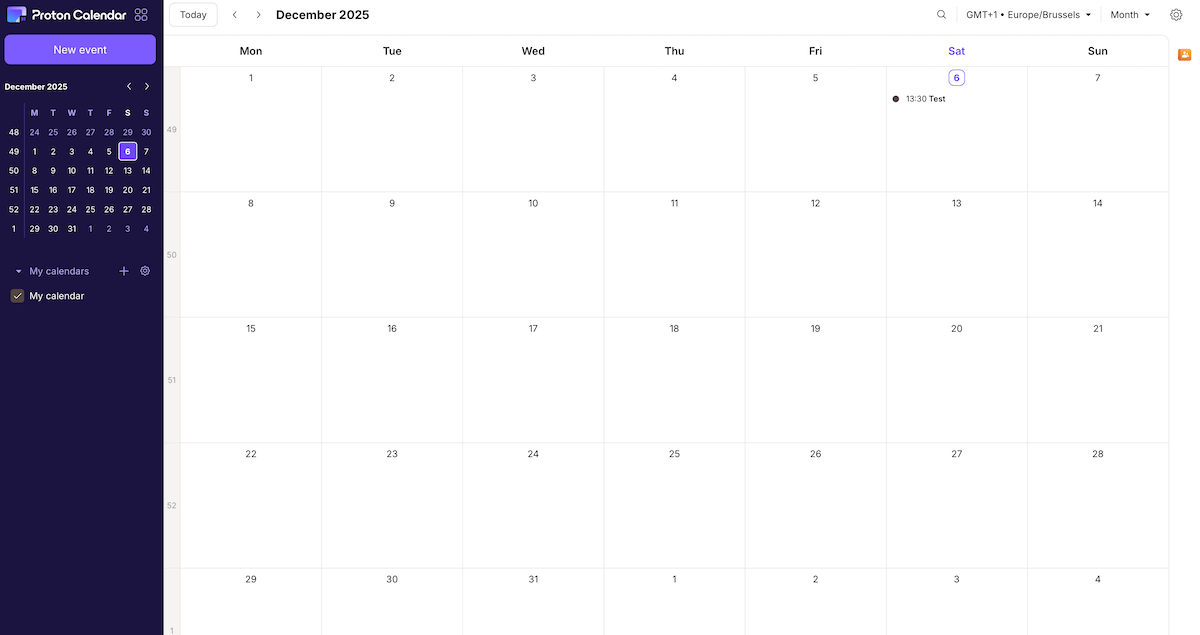
Proton Calendar’s web interface immediately feels familiar yet refined. The layout is intuitive, with a clean sidebar showing your calendar list and a spacious main view displaying your schedule. Navigation is smooth, and the dark purple accent color gives it a distinctive Proton identity without being overwhelming.

Creating events is straightforward and feature-complete. The event creation dialog offers everything you’d expect: title, date and time selection, location fields, participant management, and notification options. You can set up both in-app notifications and email reminders, giving you flexibility in how you stay on top of your schedule.
Multiple View Options
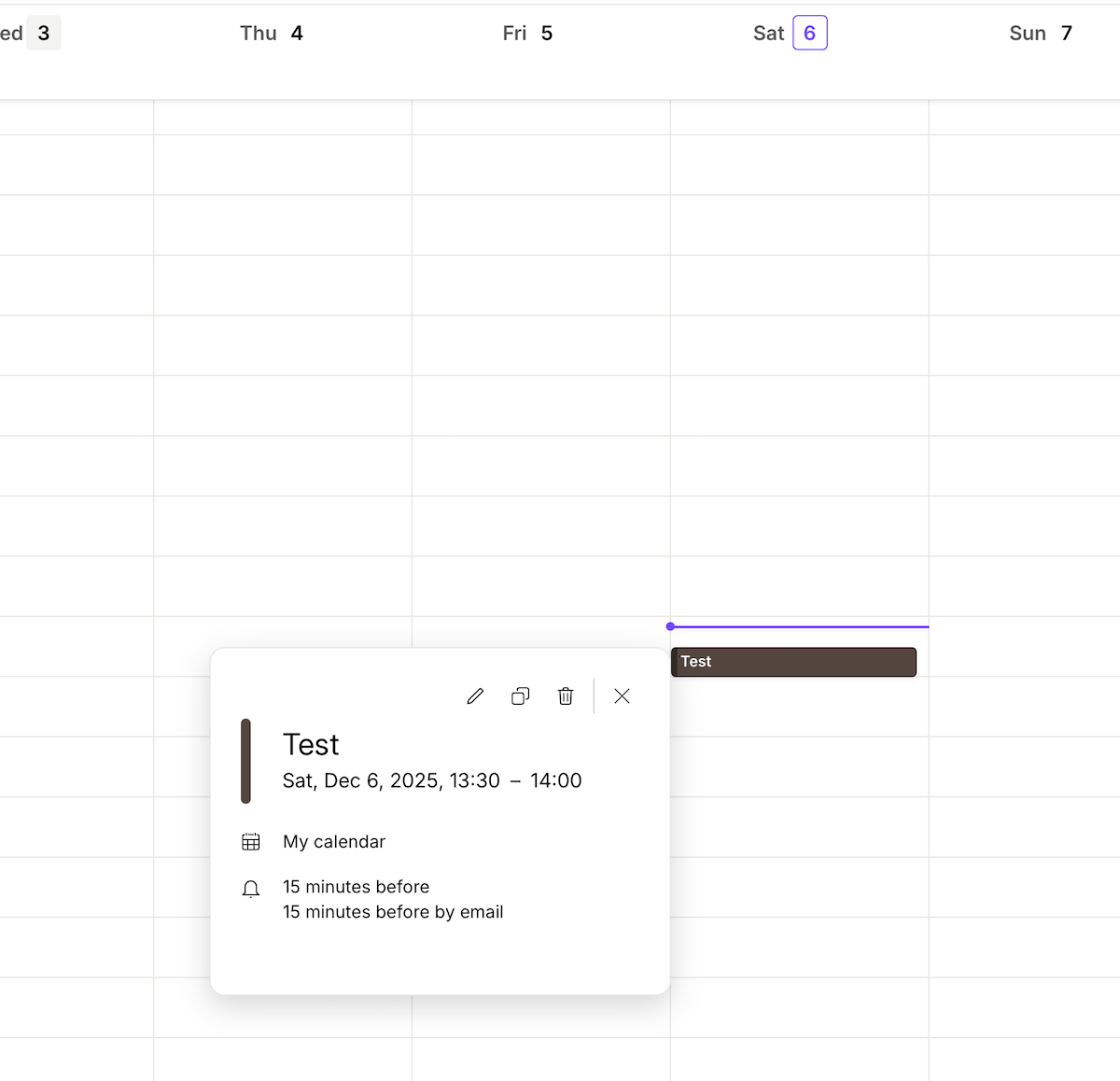
The web version shines with its view flexibility. You can switch between month, week, and day views depending on your needs. The week view is particularly well-implemented, showing a clear overview of your upcoming commitments with hourly granularity. This makes it easy to spot scheduling conflicts and find available time slots at a glance.
Email Integration That Actually Works
One of the standout features is how seamlessly Proton Calendar integrates with Proton Mail. When you create calendar events with email reminders, they arrive in your Proton Mail inbox right on schedule. The reminder emails are clear and actionable, showing the event title, time, and giving you context about what’s coming up.
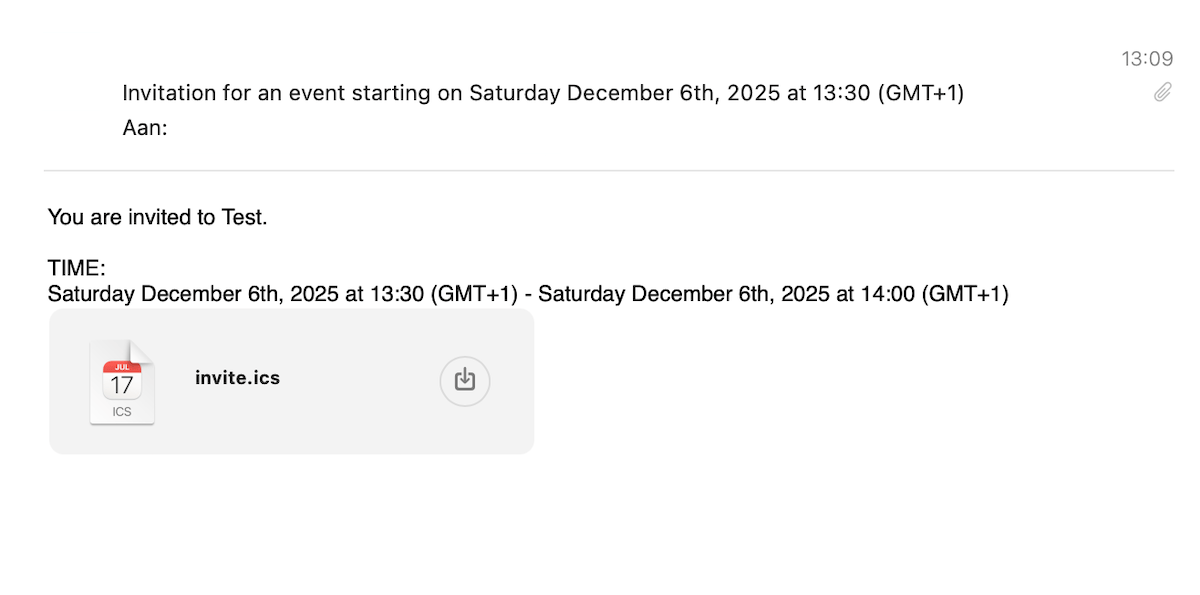
This integration feels natural and works reliably, which is crucial for a calendar service. There’s nothing worse than setting up reminders only to have them fail when you need them most.

You can also choose to receive a mail of your calendar event in Proton Mail:

The macOS Workaround: Clever but Compromised
Here’s where things get interesting for Apple ecosystem users. While Proton Calendar doesn’t have a native macOS app, there’s a workaround that some users have discovered. As detailed in this Reddit thread, you can create a shareable link in the Proton Calendar web app and import it into macOS’s native Calendar app.
This approach has some appeal. You get notifications through macOS’s notification system, and your Proton events appear alongside your other calendars in a familiar interface. Combined with installing Proton Calendar as a Progressive Web App (PWA) through Chrome or Firefox, you can create a near-native experience.
However, this workaround comes with significant trade-offs that privacy-conscious users should understand:
The Downsides of Calendar Sharing
- Read-only access: You can view events but can’t edit or create new ones from the native app
- Public link exposure: Even though the link is “non-guessable,” there’s still a publicly accessible URL to your calendar
- Encryption compromise: To make the calendar shareable, Proton must decrypt it server-side, essentially negating the end-to-end encryption that makes Proton Calendar appealing in the first place
As noted in another Reddit discussion, this same limitation applies to iOS users attempting to add their Proton Calendar via CalDAV. The calendar becomes unencrypted on the server side in practice.
What Proton Calendar Gets Right
The Strengths
- Privacy by default: End-to-end encryption keeps your schedule genuinely private
- Excellent web interface: Clean, fast, and feature-rich
- Reliable notifications: Both in-app and email reminders work consistently
- Multiple calendar support: Organize different areas of your life separately
- Seamless Proton ecosystem: Works beautifully with Proton Mail and other Proton services
- No tracking or data mining: Your calendar isn’t being analyzed for advertising purposes
The Verdict
Proton Calendar is genuinely great at what it sets out to do. The web experience is polished and feature-complete, the encryption gives you peace of mind, and the integration with Proton Mail creates a cohesive privacy-focused productivity suite. For users who primarily work on desktop, iOS or Android, it’s an easy recommendation.
For now, the web interface remains fine for Proton Calendar usage, and it’s good enough that it might just be worth keeping a browser tab open for.
Last Updated on 9 December 2025


 English
  Deutsch
  Nederlands
  Français
  Español
  Italiano
  Svenska